How do I convert LabVIEW TDMS to MF4 and keep the channel timestamps?
Move LabVIEW TDMS waveform measurements into MDF 4.10 with each supported channel’s samples and timing.
- Open a TDMS file with numeric or Boolean waveform channels and explicit sampling intervals.
- Review each channel’s rate, sample count and timing in the preview.
- Save the MF4 and open it in an MDF 4 reader to check values and clocks.
Keep each channel on its own clock
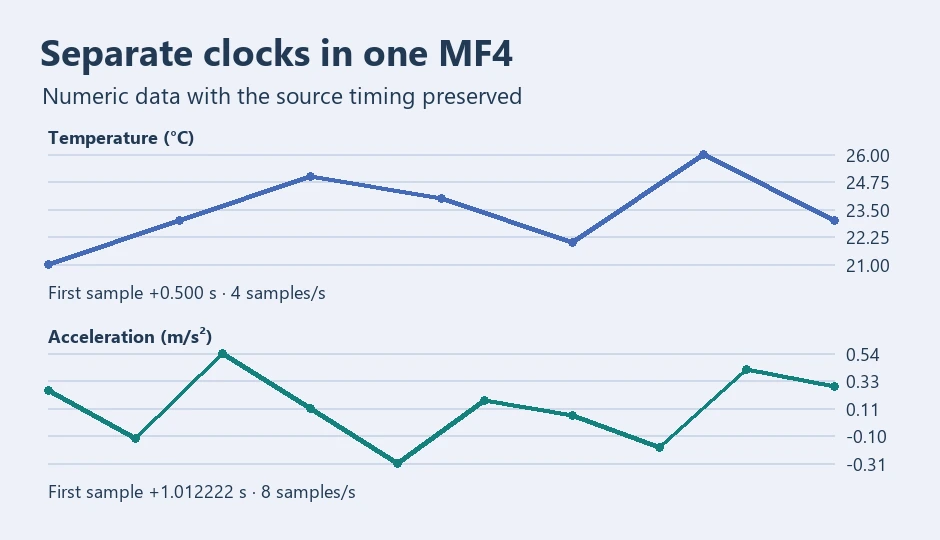
An independent MDF reader reopened the sample with channels at 4 Hz and 8 Hz and preserved their 17 values and UTC anchor.
Supported files
Up to 128 MB per input. Supports explicitly timed fixed-width waveform channels. Raw DAQmx layouts and mixtures of absolute and relative clocks are outside the supported scope.